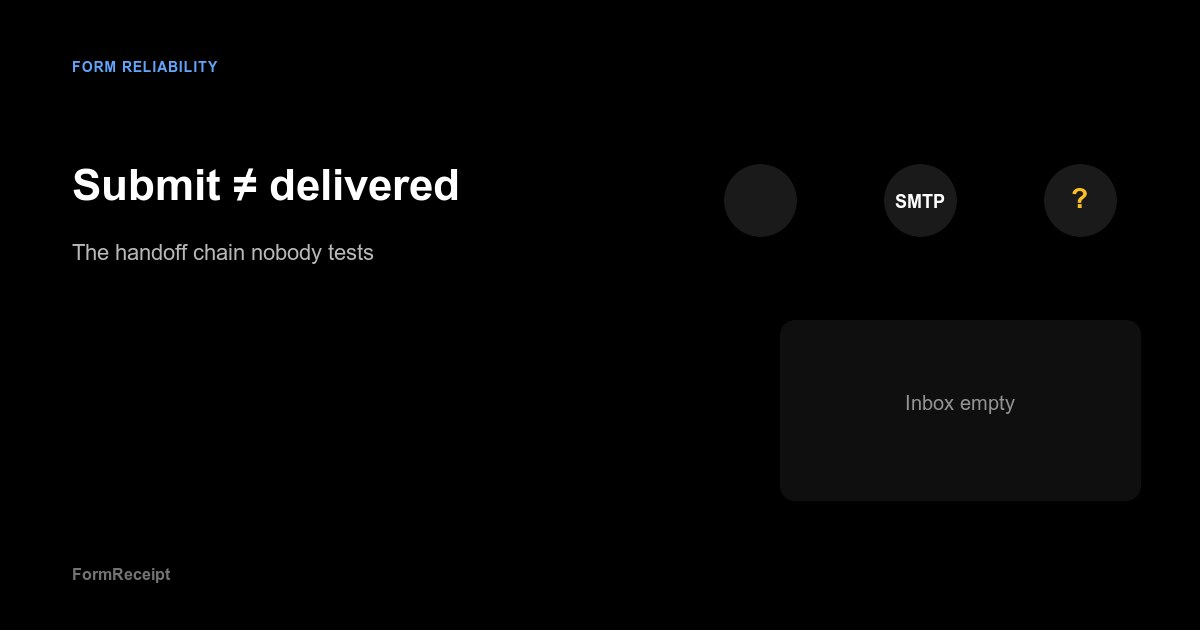
Two different success stories
I see this confusion constantly: “The form submitted successfully” gets treated as “the lead was delivered.” Those are different events, separated by several systems that do not talk to each other.
Understanding that gap will save you more pain than any new marketing plugin.
Stage 1: Browser success
The visitor fills fields, passes (or fails) a CAPTCHA, and clicks send. JavaScript may validate input. The server may return 200. A thank-you message or redirect appears.
What you know: the front end thinks it did its job.
What you do not know: whether the back end enqueued mail, whether SMTP accepted it, whether the recipient server agreed to store it.
Stage 2: Application handoff
On WordPress this is often wp_mail() plus a plugin—Contact Form 7 handing off to WP Mail SMTP, SendGrid, Mailgun, or the host’s relay. On custom stacks it might be an API route that posts to Slack and sends mail in parallel.
Failures here are silent more often than you would like. Wrong From: domain. OAuth token expired. Rate limit hit on the free tier. A queue worker that stopped when someone rebooted the server.
The visitor still saw “thank you.”
Stage 3: Delivery and visibility
Even when SMTP accepts a message, the recipient mailbox may file it under Promotions, quarantine it, or drop it on a strict DMARC policy. The sales inbox might be a shared alias nobody monitors on Fridays.
Delivery means the message exists somewhere the team can act on it. That is the bar that matters for lead-gen sites.
What I recommend teams document
Pick one canonical recipient for form tests—often hello@ or the CRM inbound address—and write down the chain:
| Step | Question |
|---|---|
| Submit | Does the public form accept realistic data? |
| App | Does the site log or send without PHP errors? |
| SMTP | Does the provider show the message as sent? |
| Inbox | Does the message appear in the expected folder within minutes? |
If you cannot answer the last row with evidence, you are guessing.
Where FormReceipt fits
FormReceipt automates the first and last miles: real browser submission, proof of what happened on the page, and tracking whether the expected receipt showed up. It will not fix your DNS for you—that is still SPF, DKIM, and DMARC work—but it will tell you when the chain broke after you thought you were done.
I would rather see a failed test on Tuesday than discover a month of missing leads in a quarterly review.