How it works
Submit the form. Confirm the email. Repeat on schedule.
- 1
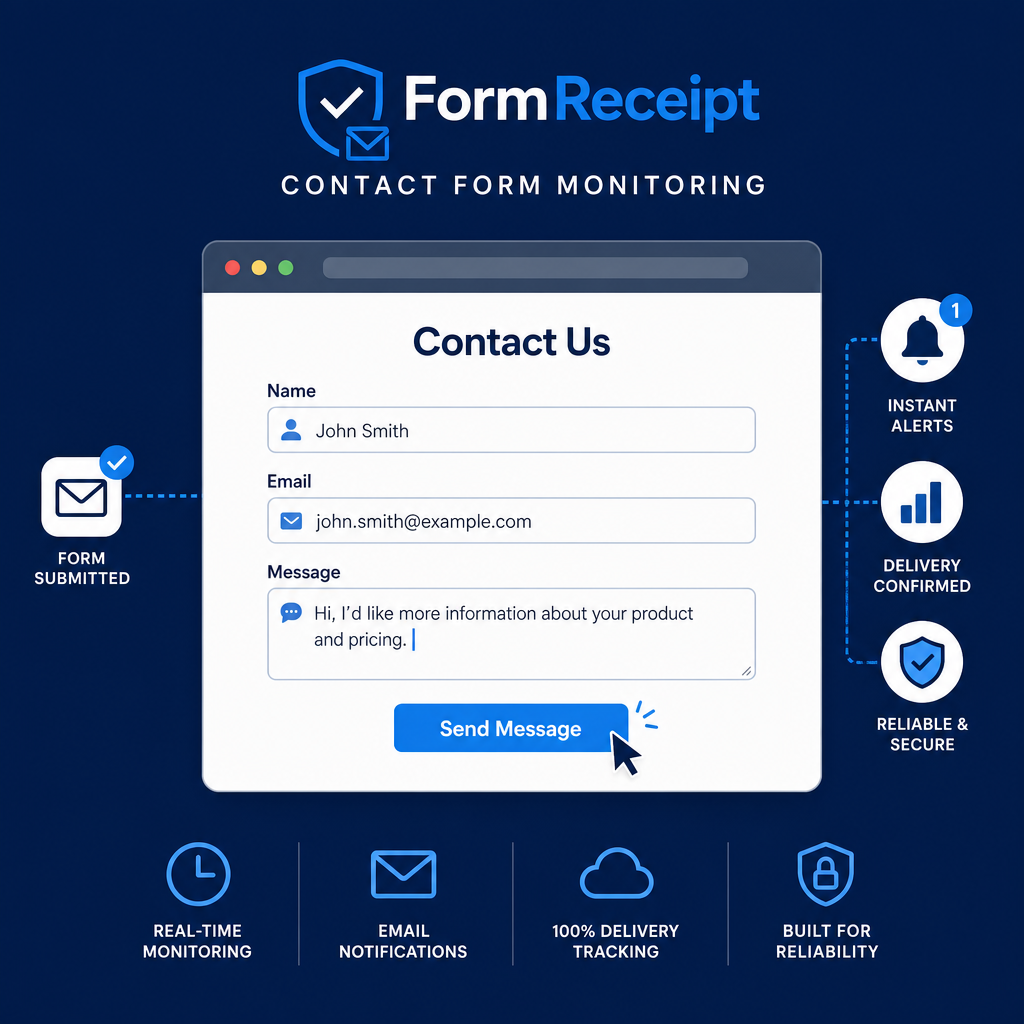
We fill out your contact form (as a safe test).
- 2
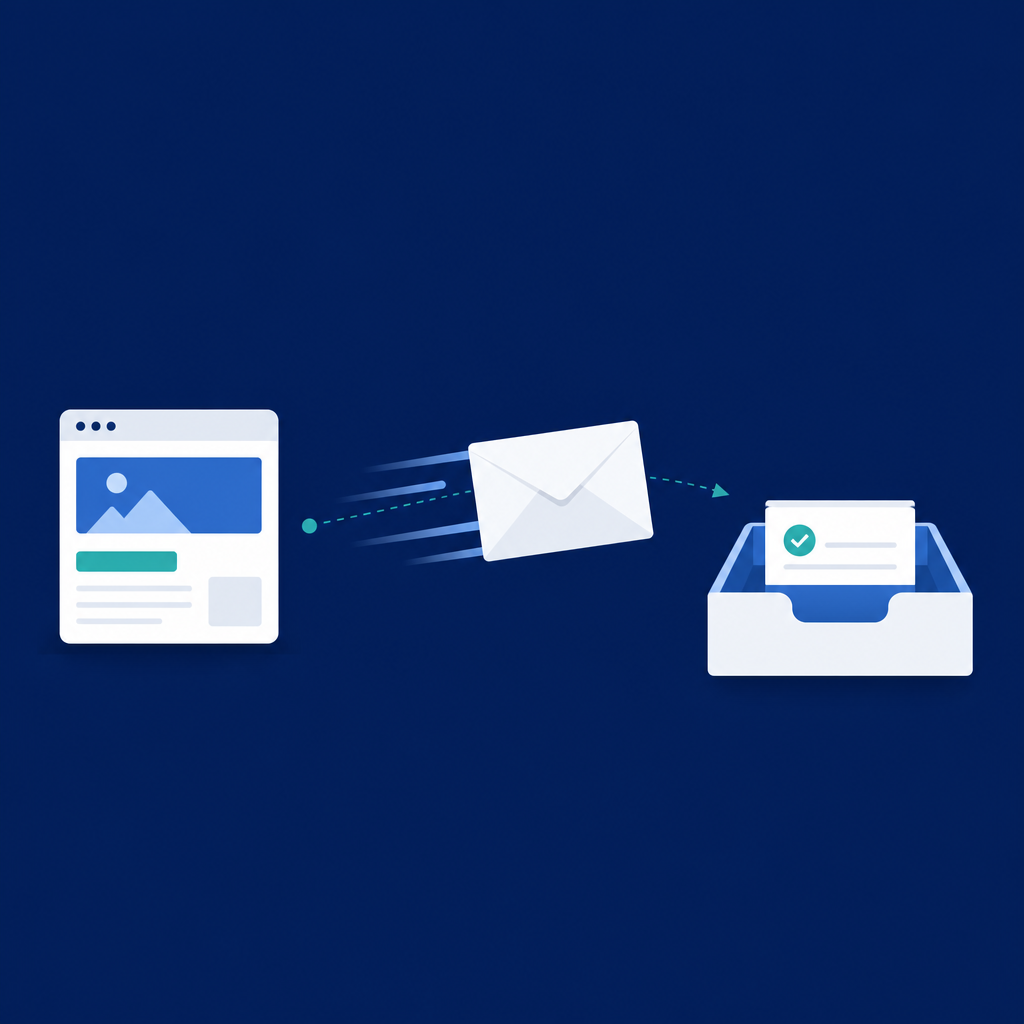
Your site sends the usual lead notification email.
- 3
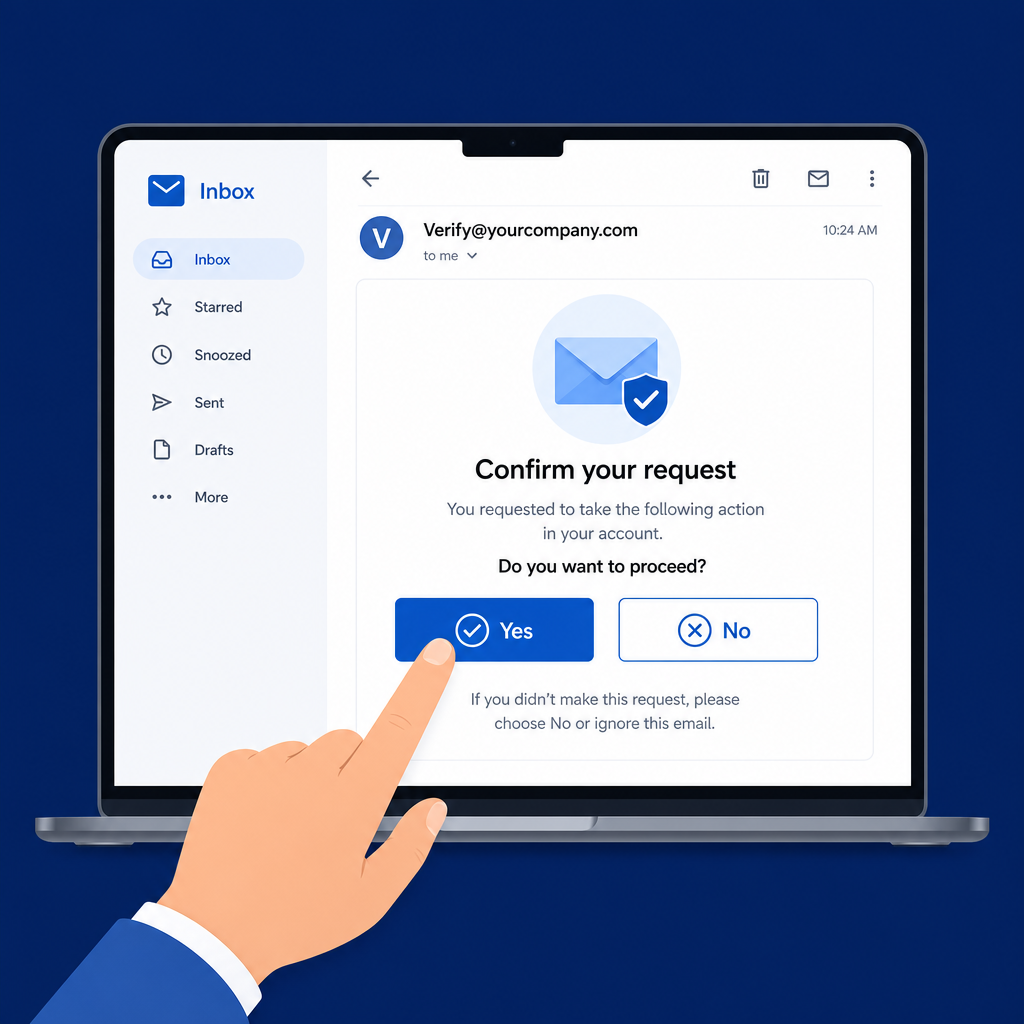
Someone on your team opens our email and taps Yes or No.
- 4
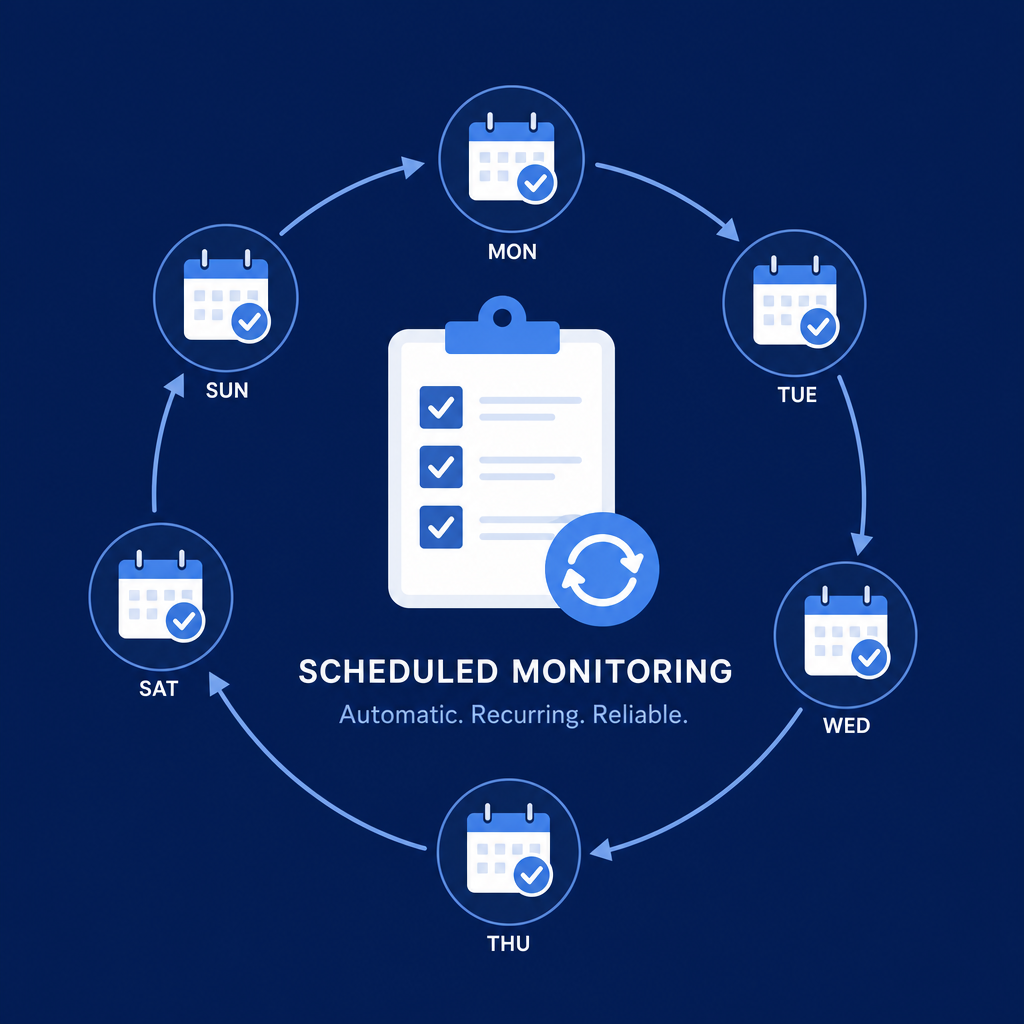
We run it again on your schedule.
At a glance
Four steps, every run
- 1link
Tell us which page has your form
Paste the URL of your contact page. We find the form and you pick the right one if there’s more than one.
- 2travel_explore
We send a test like a real visitor
We fill out the form and submit it the same way a person would. You don’t run scripts or poke the server yourself—we handle the run.
- 3folder_special
We save proof you can show anyone
Screenshots and a clear record of the run live in your dashboard, so you’re not guessing what happened.
- 4mail
We email your team: “Did you get the lead notification?”
After the test, we send an email with a simple link. They click to confirm they received the lead notification—or that they didn’t. They can also answer from the dashboard if they prefer.
One question in the inbox
mark_email_readYes — we received the lead notificationWe record that the test lead email arrived. Your dashboard shows a clean “yes, we got it” without extra work.
notifications_activeNo / not sureWe record not received, keep the proof in your history, and link you to troubleshooting articles and technical notes you can share with IT—while the schedule keeps running so gaps do not sit unnoticed.
- 5crisis_alert
We keep testing—and alert you when something looks off
If a run fails or confirmation is missing, you get an alert with run details. For delivery issues, share the timeline and troubleshooting guides with your IT team or host.